AI Toolbar
The AI Toolbar appears when you select text on any website or focus on input fields. It provides context-specific AI tools right at your fingertips.
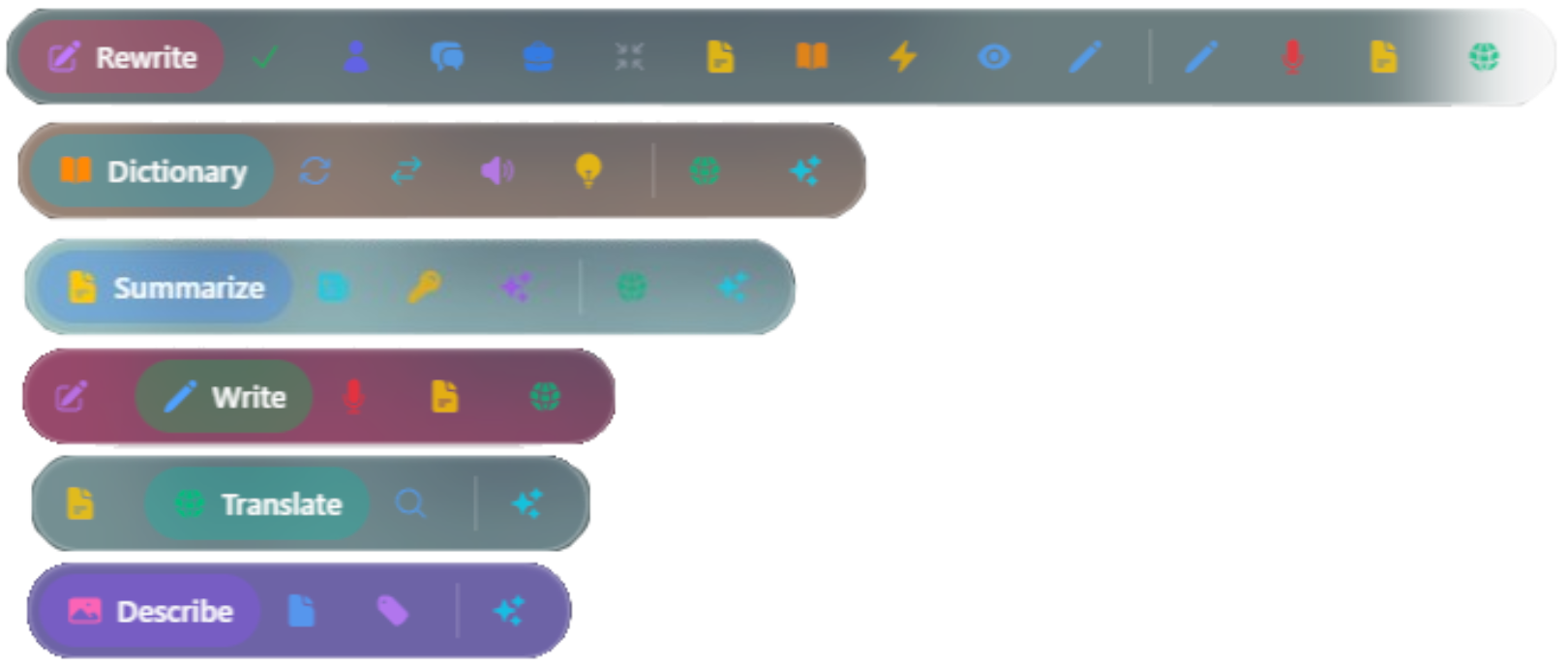
Text Selection Tools
📝 Summarize
Turn walls of text into digestible chunks. Uses Chrome's Summarizer API to give you:
- Headline - One punchy line summarizing the main point
- Key Points - Bullet list of the most important ideas
- Teaser - Short preview that hooks you in
Perfect for quickly understanding long articles, documentation, or any text-heavy content.
🌍 Translate
Speak the language, any language. Powered by Chrome's Translator API and Language Detector API:
- Translate to 100+ languages instantly
- Helps to detect the language of selected text
- Works completely offline once language packs are downloaded
- Maintains formatting and context
Great for reading foreign language websites, international emails, or learning new languages.
📚 Dictionary
Your personal word expert. Uses Chrome's AI:
- Get definitions on the spot
- Find synonyms and antonyms
- Learn correct pronunciation
- See real-world usage examples
No need to switch tabs or open separate apps - instant vocabulary help wherever you're reading.
Text Improvement
✍️ Rewrite
Make your words shine. Chrome's Rewriter API helps you:
- Fix Spelling & Grammar - Clean up typos and grammatical mistakes
- Change Tone - Go formal, casual, or professional based on context
- Adjust Length - Make it shorter, expand it, or keep it concise
- Improve Clarity - Simplify complex sentences for better understanding
- Custom Rewrites - Tell it exactly what you want and it adapts
Appears in text input fields on text selection to help you refine what you write.
🎨 Writer
Generate fresh content from scratch. Powered by Chrome's Writer API:
- Create content based on your ideas
- Works with your input context
- Perfect for brainstorming and drafting
Appears in text input fields to help you write new content.
🎤 Voice Dictation
Talk instead of type. Multimodal Input API lets you dictate directly into text fields:
- Real-time transcription as you speak
Great for:
- Long-form writing (emails, documents)
- Hands-free input
- Accessibility
Image Tools
🖼️ Image Analysis
Just hover over any image on a webpage to access powerful vision AI:
- Describe - AI tells you what's in the image using Multimodal Prompt API
- Extract Text - Pull out text from screenshots, photos, or scanned documents (OCR)
- Identify Objects - Spot and label specific things in photos
Perfect for:
- Understanding images without alt text
- Extracting text from photos or screenshots
- Analyzing visual content
Next Steps
- Chat Interface - Learn about conversational AI features
- Virtual Companion - Meet your animated assistant
- AI Features - Toggle and configure tools